Check out our new video on the first page of our web site.
A blog on travel photography and our photography courses in the UK and Abroad.
Check out our new video on the first page of our web site.
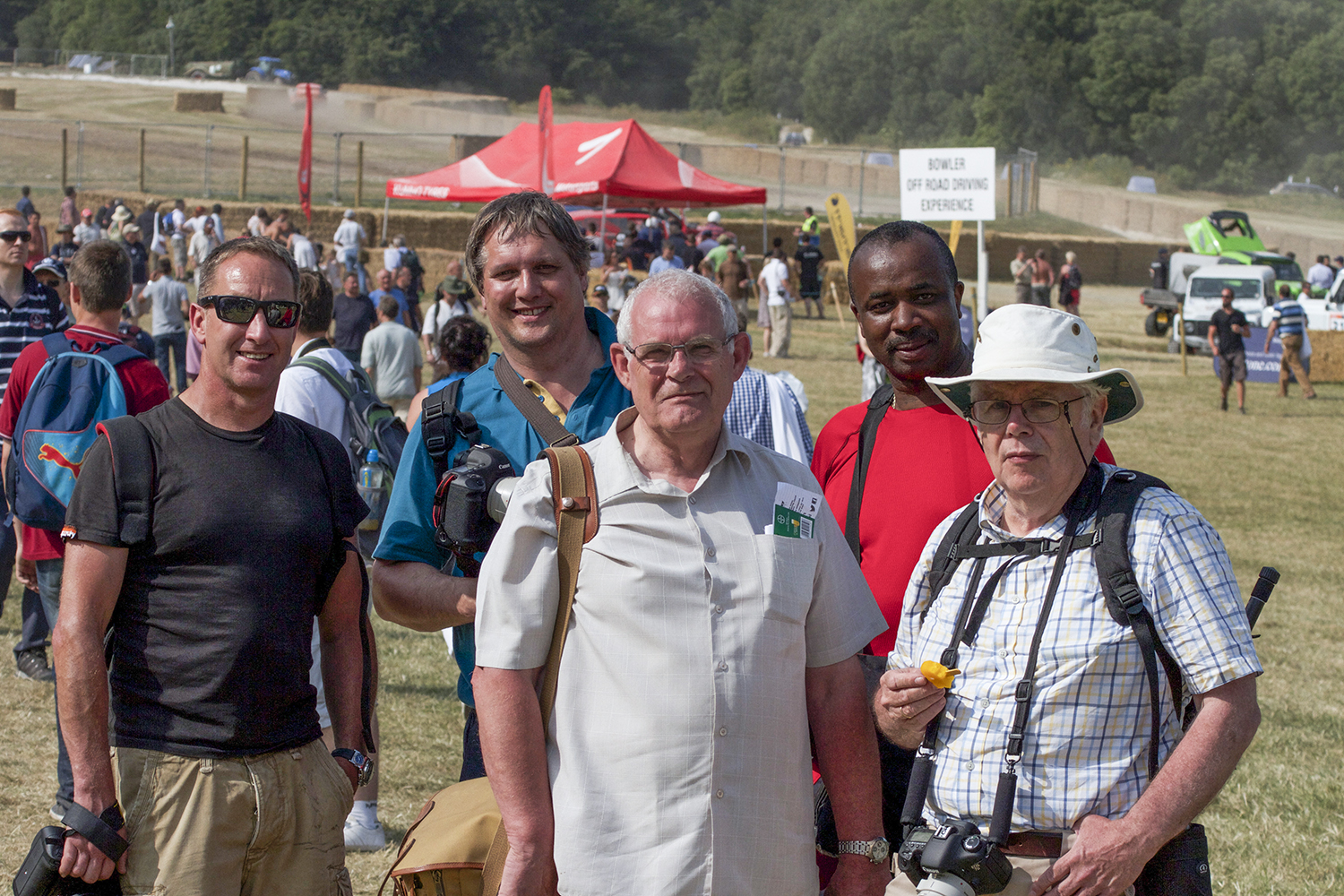
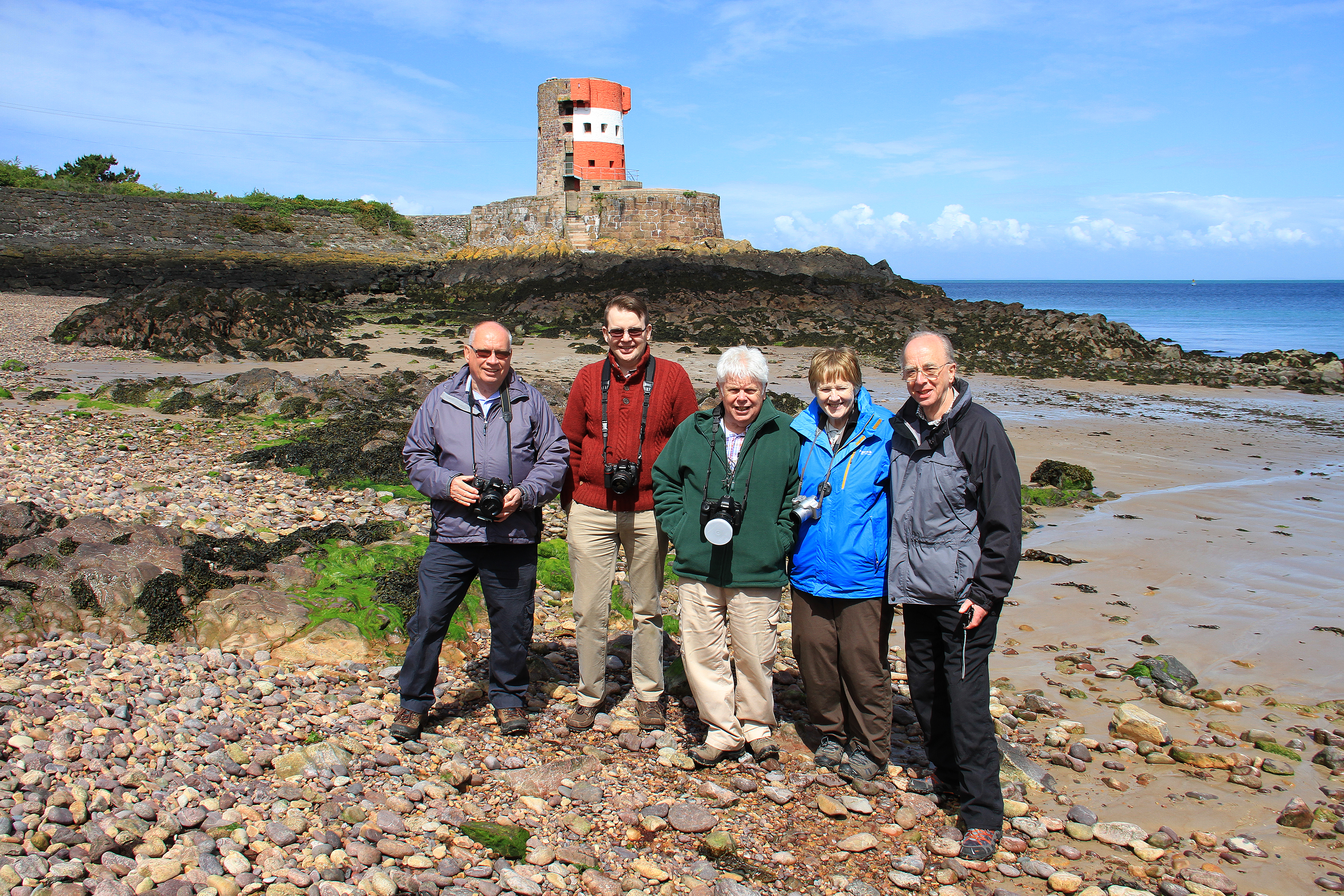
Here the group shot from the FOS course yesterday. Turned out out be a scorcher and a sell out. This year the event is sold out for all 4 days! – The first time ever.
We still have a couple of places left for the Revival Meeting in September. Check out the web site: http://www.fotocourses.co.uk/Festival_of_Speed/Motor_Racing_Goodwood.html
for dates and availability. A new gallery of Goodwood shots will be going up on facebook in the next couple of days.

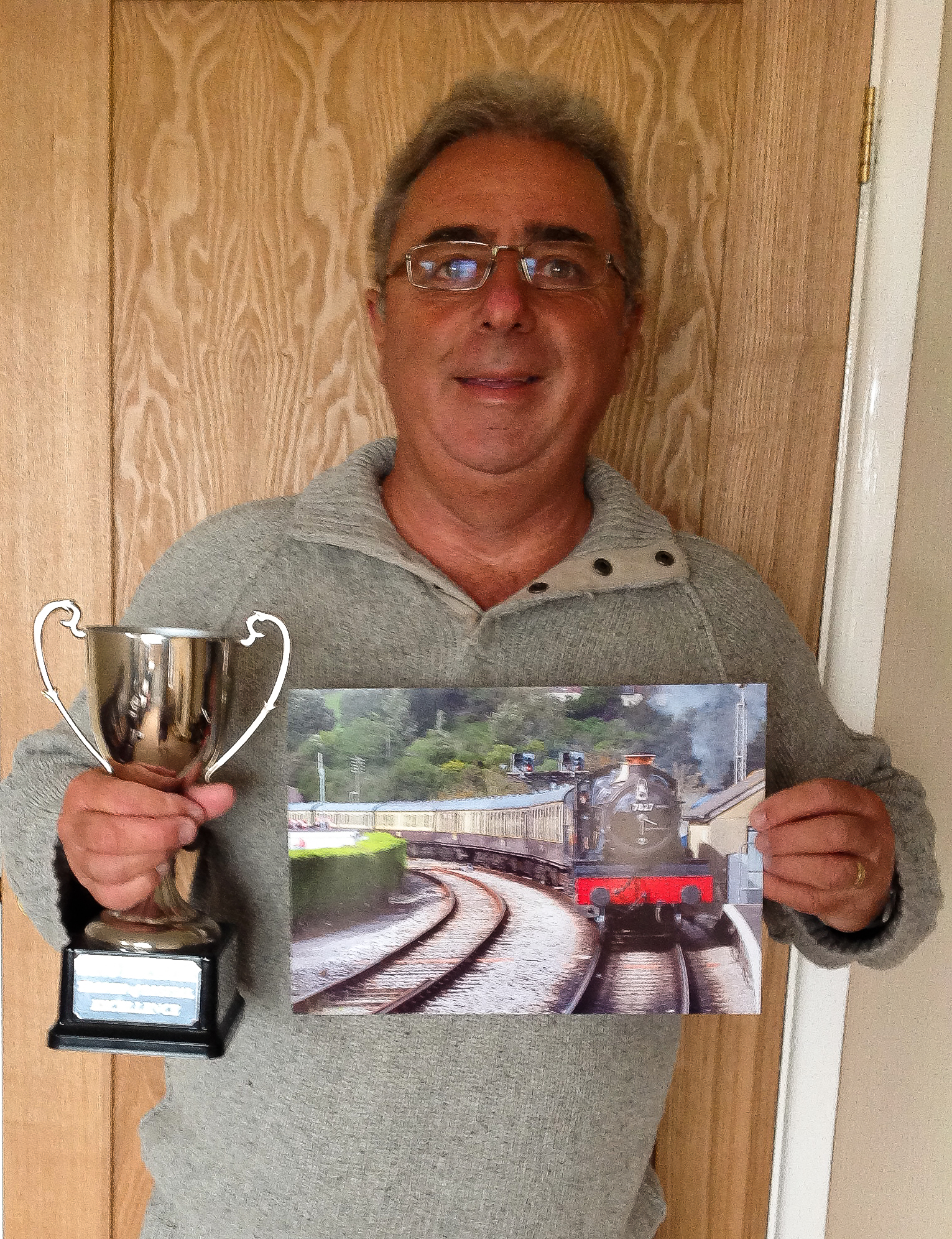
Bob recently undertook a wet 1-2-1 day at Salisbury Cathedral. He has just sent through this email:
Hi Gary
Just to let you know my time was not wasted on your course as I won first prize in the digital excellence course at our local camera group
Thanks for all your help and encouragement
Best wishes
Bob Thomas
Heres the picture to prove it. Well done Bob, keep up the good work.
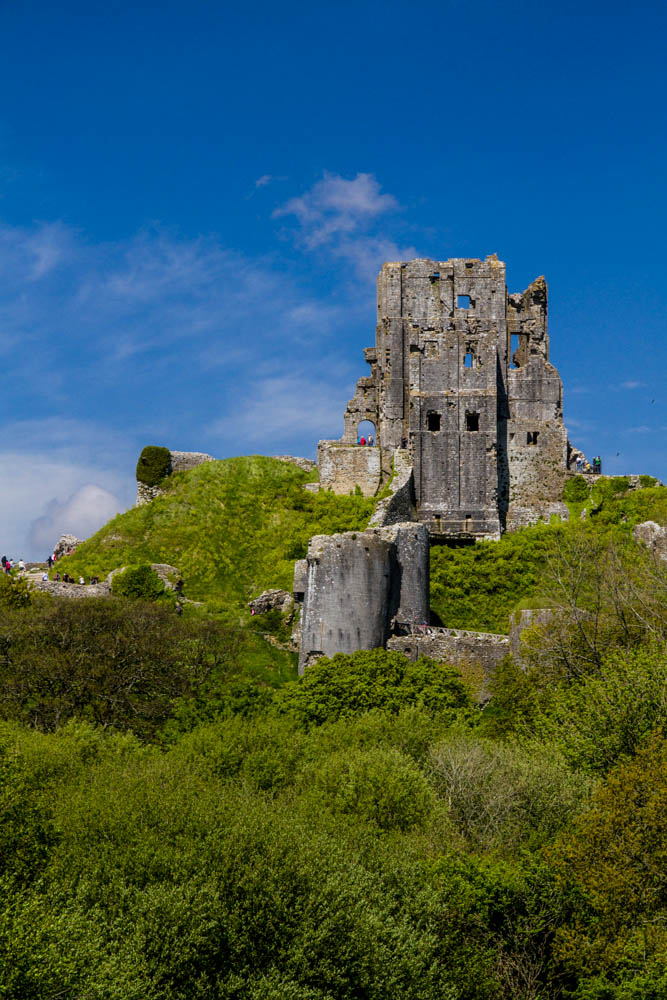
I have uploaded some of Ron Moody’s shots to Flickr from the 4 day course in Dorset in May.
Here is the link:
http://www.flickr.com/photos/28238327@N06/sets/72157633969522271/
Check them out.


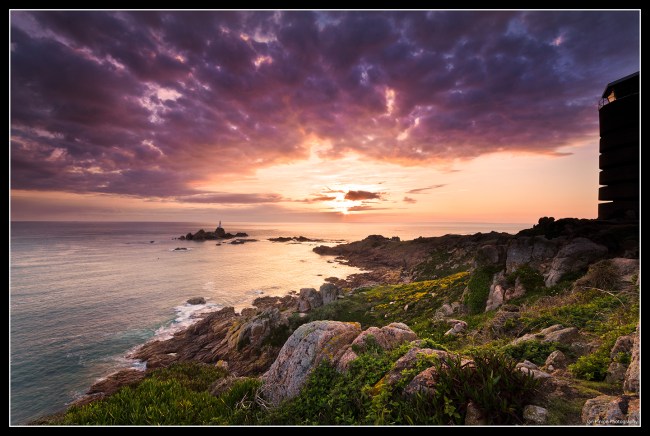
Just updated the web site and added some great pictures by Ian Pinion to the Jersey Gallery. Check out this link:
http://www.fotocourses.co.uk/Jersey/Jersey_Gallery.html
We have also revamped the rest of the web site with a cleaner, easier to follow look. We hope you like it.
Just back a few days form the Jersey trip. Pretty good weather on the whole but no real sunsets to speak of. Best sunset was captured by Ian on the day we left the island. We were treated to a flat crossing and a beautiful evening as we approached Poole Harbour. A big thank you to the group as always. Will be posting some pictures up on my Facebook page later this evening. Good to see David, Ian and Alan again. New dates have been posted up for next years trip. Check out the web pages at:

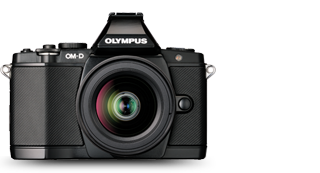
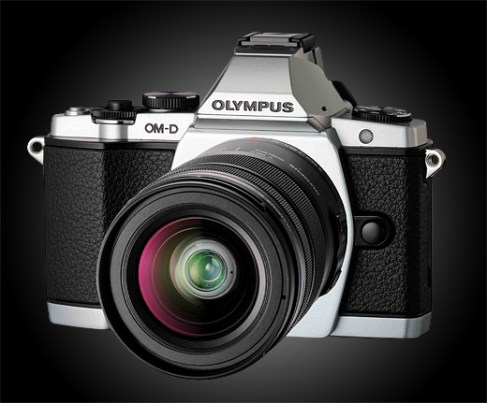
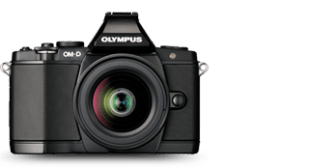
On the Paris trip I was lucky enough to see the Olympus OM D camera and play with it a little. My first impressions were great. I loved the retro style which had the look and feel of an old film camera from the David Bailey days. Cost is around £1000 with basic lens, the sensor looks good and noise minimal. However after a couple of days my enthusiasm faded a little. My main problem was with the layout and functions. I didn’t find the layout very intuitive and in some cases it was really difficult to find my way around the menus. That being said the camera is jam packed with features so perhaps that is to be expected. The camera certainly has the ability to be be able to cope with pretty much everything and there were some great processing features in camera like the art filters which gave some very pleasing effects. The pictures in low light were very good with little noise and the inbuilt curves function was a joy.
Positives +
Good quality image
Weather sealed
All aspects customisable
Great Art Filters
Negatives –
Focusing cumbersome
Small fiddly controls
Key features buried in menus.
In Summary
I would say I wanted to love this camera but became frustrated by the complexity of some of the settings. I think it would suit someone who likes to create the whole image in camera rather than use photoshop and if you are prepared to invest the time in this camera the results could be very rewarding. If anyone has had experience of using the camera I would love your feedback. Please leave a comment.
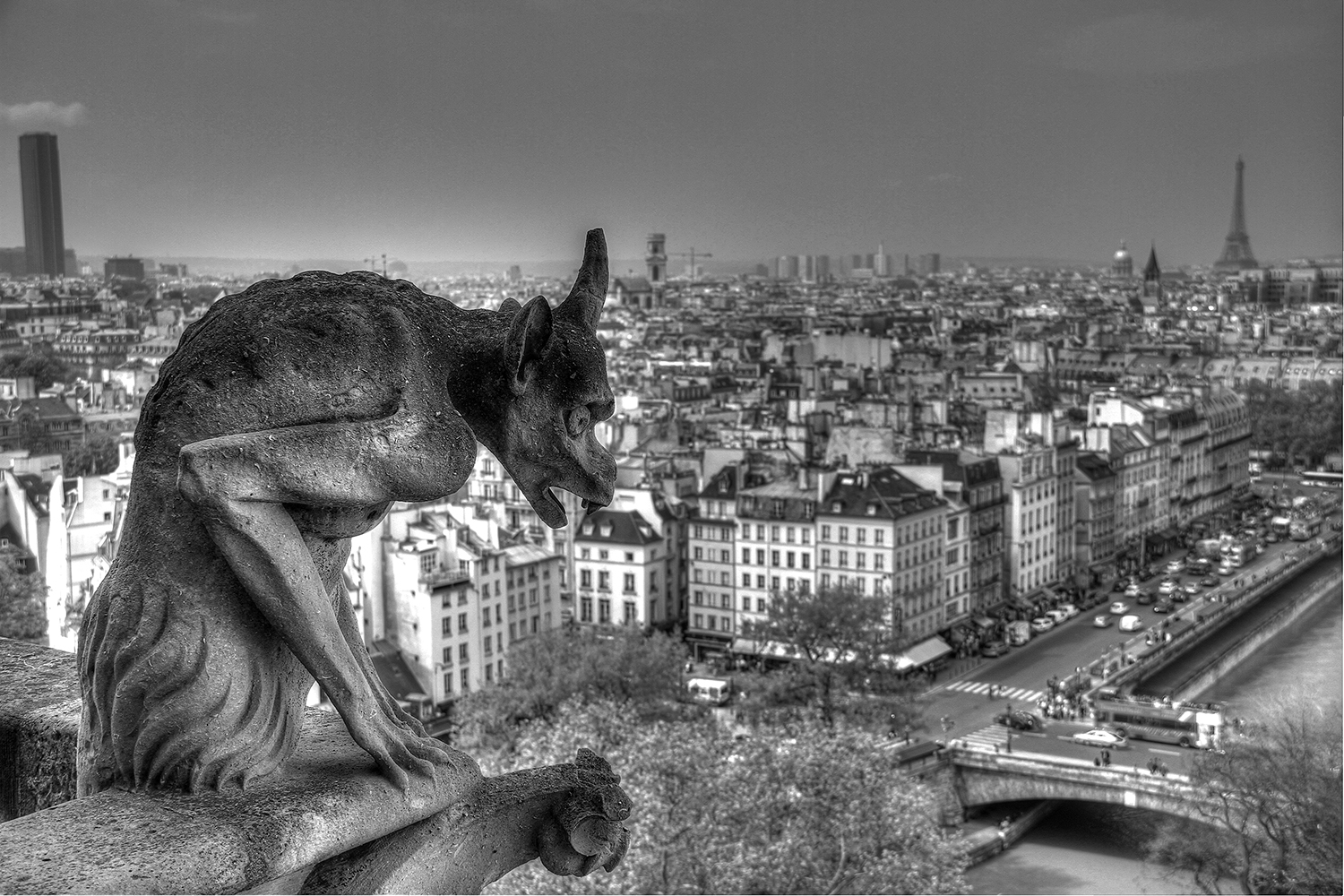
Many thanks to all the course participants on the Paris trip this year. It was great to see Jon and Mark again and to meet Teresa. The weather held up for us on the whole and we had some great night shoots. Highlight of the trip for me was the tower tour at Notre Dame. The dates for next years trip are up online at www.fotocourses.co.uk. It is a little later in June 2014. I will be posting up some new galleries over the next few weeks so check out the web site and blog.
Adobe has posted a beta release of the next version of its popular photo-management and editing software Lightroom.
Adobe made the announcement via a blog post and also listed the important new features in Lightroom 5. These are:
Advanced Healing Brush – Enhancements to the Spot Removal tool allow you to heal or clone using brush strokes. A new “Visualize Spots” tool highlights sensor dust spots for easy removal.
Radial Filter – Apply any of Lightroom’s local adjustment attributes to a circular mask. The area of the mask can be resized, feathered or even inverted to give you maximum control over the focus of your images.
Upright – Automatically level horizons, straighten buildings, and correct other askew lines.
Smart Preview – Lightroom allows you to edit offline images by storing a smaller version of the original image, called a smart preview. Edits made to the smart preview will automatically apply to the original once reconnected to Lightroom.
Click on the link below to get the beta release.
Adobe Photoshop Lightroom 5 | photo management software beta – Adobe Labs.